
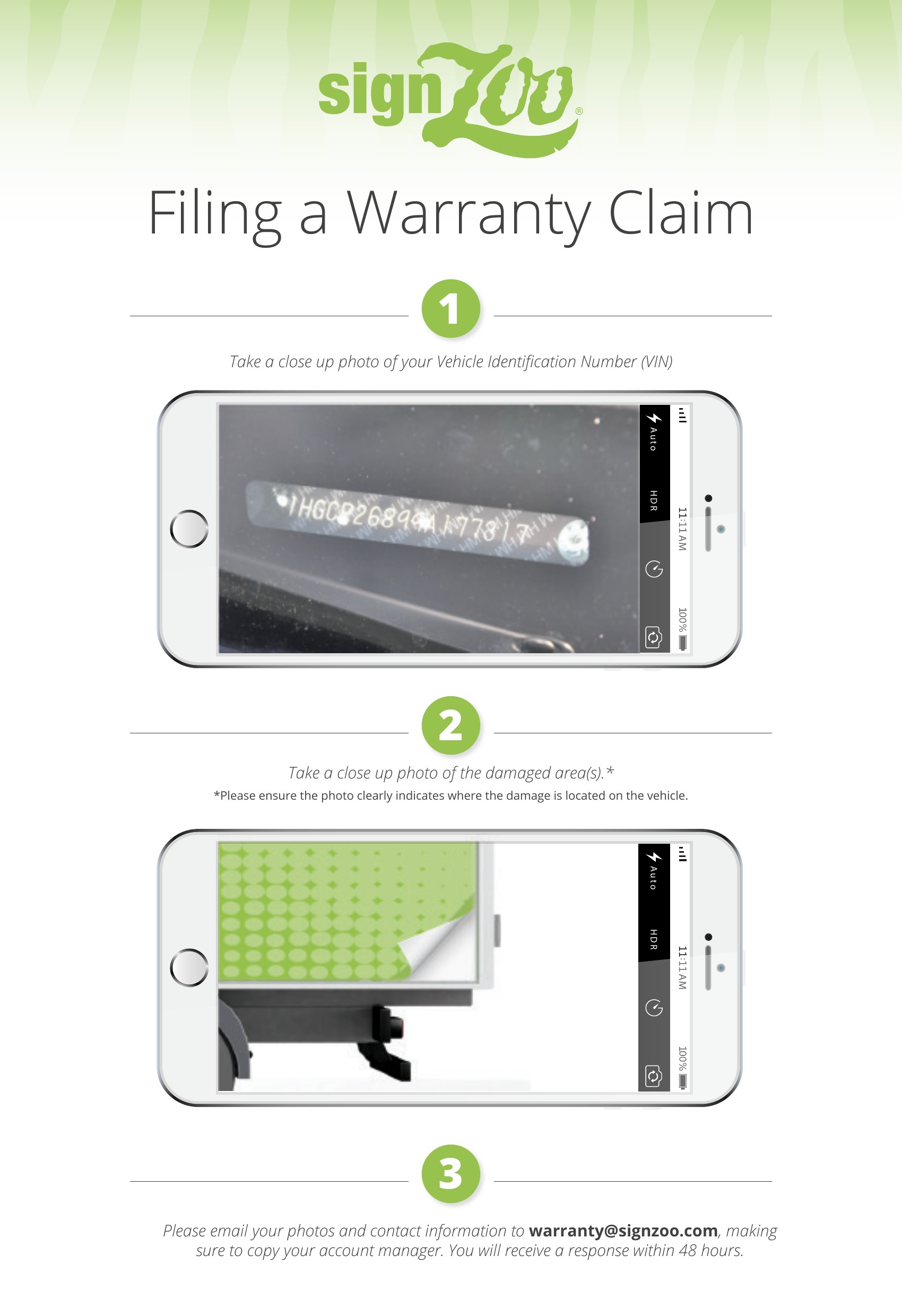
If your SignZoo graphics show peeling, lifting, fading, or other defects within your warranty period, filing a warranty claim takes just three steps. Warranty terms vary by material and application. If you’re not sure whether your graphics are still covered, check with your account manager before submitting.
Step 1: Photograph your VIN
Take a clear, close-up photo of your Vehicle Identification Number (VIN). It’s usually on the driver’s side dashboard, visible through the windshield, or on the driver’s door frame. Not sure where to find it? The NHTSA VIN lookup explains where VINs are located and what they mean.
Step 2: Photograph the damaged area
Take a close-up photo of each damaged area. Make sure the photo clearly shows where the damage is on the vehicle. Adding one wider shot of that side of the vehicle helps our team see the full picture.
Step 3: Email your claim
Email your photos and contact information to warranty@signzoo.com. If you know your account manager, please copy them as well. You’ll receive a response within 48 hours.
Tips for a faster warranty claim
- Take photos in daylight so details are easy to see.
- Include the company name on the vehicle and the best phone number to reach you.
- If several vehicles are affected, send one email per vehicle with that vehicle’s VIN and photos.
What happens next
Our team reviews your photos and contacts you within 48 hours with next steps.
Questions? Contact your account manager or call us at 1.800.239.3815.
To help prevent damage, see our Fleet Wrap Care guide.